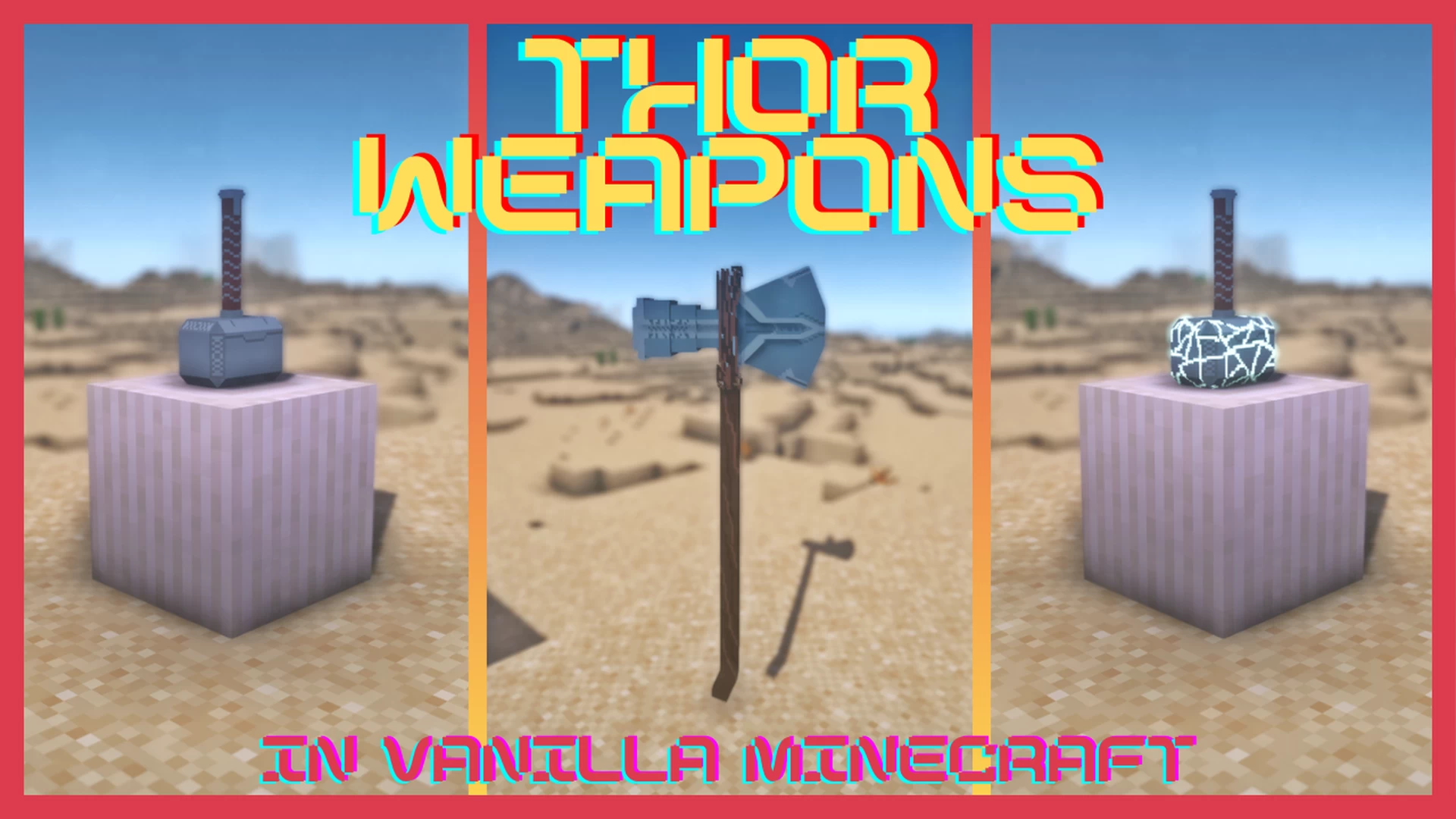
Overview
An upgraded Thor Weapons datapack that brings Mjolnir, Stormbreaker, Cracked Mjolnir, and the Thunderbolt to your world — each with unique throw-and-recall mechanics, lightning powers, and spectacular special moves like the Bifrost teleport. Includes in-game recipes, resource-pack visuals, and intuitive controls to transform PvP and boss fights.
Features
- ⚒️ Mjolnir: Right-click to throw and recall; press
Qwhile thrown to summon lightning; hold in offhand and right-click to spin, repelling mobs and enabling a directional flight dash. The cracked variant splits withFand can be recombined. - ⚡ Stormbreaker: Throw/catch mechanics plus the Lightning Leap™ when sprint-jumping while looking up; offhand hold fires directed lightning; summon the Bifrost while sneaking and looking up.
- 🔱 Thunderbolt: Throwable and catchable; switch to offhand to split into dual weapons for melee and shield use; while split, use special inputs to summon visual effects and teleport into the swirl for a dramatic entrance.
- 🌈 Bifrost: A temporary transport effect that lifts nearby players into the air; hold sneak to steer and right-click with Stormbreaker in offhand to descend, striking lightning where you land.
- 🧩 Crafting & Upgrades: Recipes for Stormbreaker, Mjolnir (and Cracked Mjolnir) plus mechanics to split, recombine, and repair weapons in-game.
- 🎨 Resource Pack Ready: Custom textures and models supported so items display with the intended visuals when using the companion resource pack.
- 🎮 Simple Controls: Run
/tag @s add worthyto enable use; right-click to throw/catch,Qfor lightning effects while thrown, andFto split/recombine where applicable. - ⚙️ Customizable: Behavior and recipes can be adjusted via datapack functions and simple config edits to fit your server.
Installation Guide
- Download the .zip file from the button on the right.
- Open your Minecraft world folder (Singleplayer) or Server folder.
- Navigate to the
datapacksfolder. - Drag and drop the downloaded zip file into that folder.
- Run
/reloadin-game.